
Ready for your next flight.
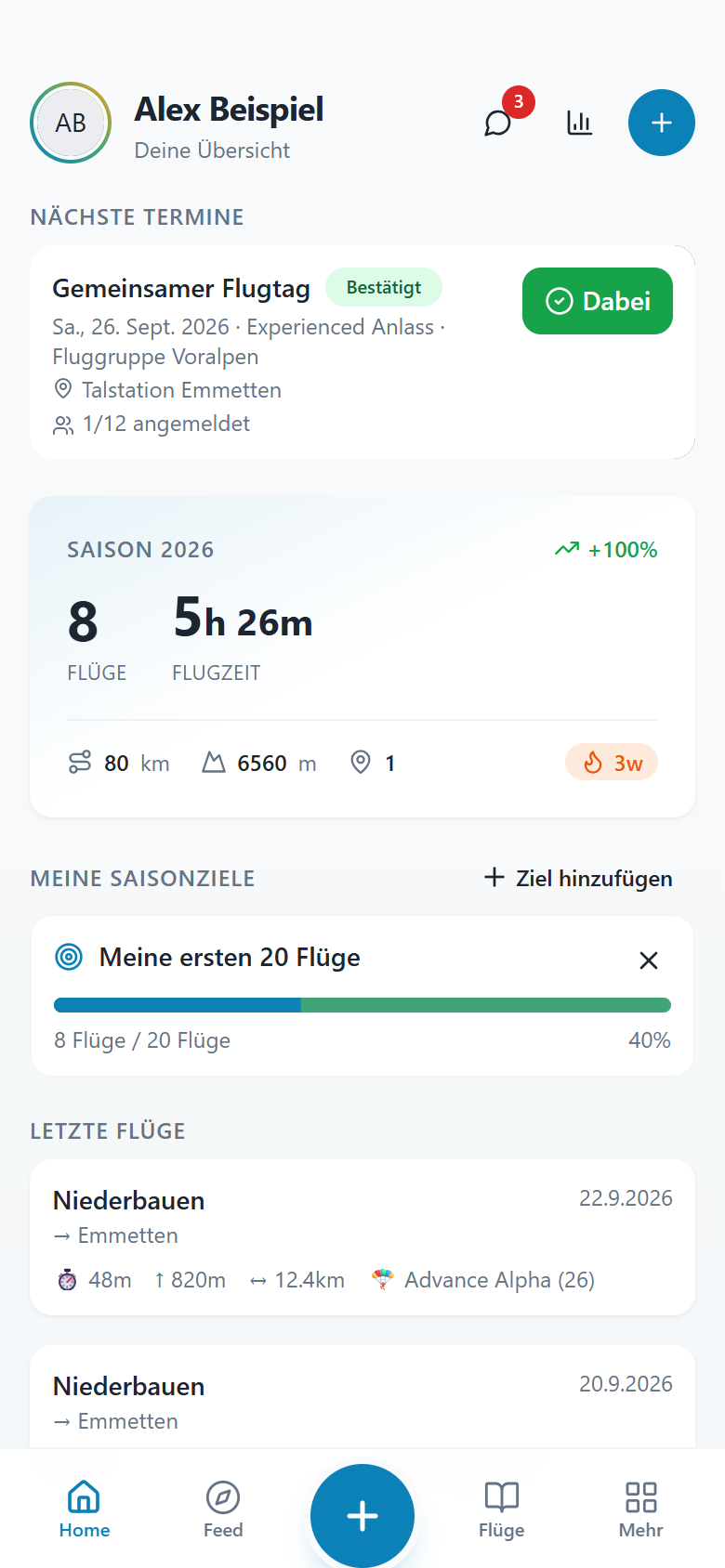
Your season, personal goals and upcoming events. Your home screen helps you see what matters next.
- Your season at a glance
- Personal flying goals
- Upcoming flying days
LOGBOOK · TRAINING · FLIGHT SCHOOL
The digital logbook for paragliding. Record your flights, see how far you’ve come and plan your next flying day with your community.
Sign in with Google. In your browser. On your phone, too.
THIS IS FLYARY
Your season, personal goals and upcoming events. Your home screen helps you see what matters next.
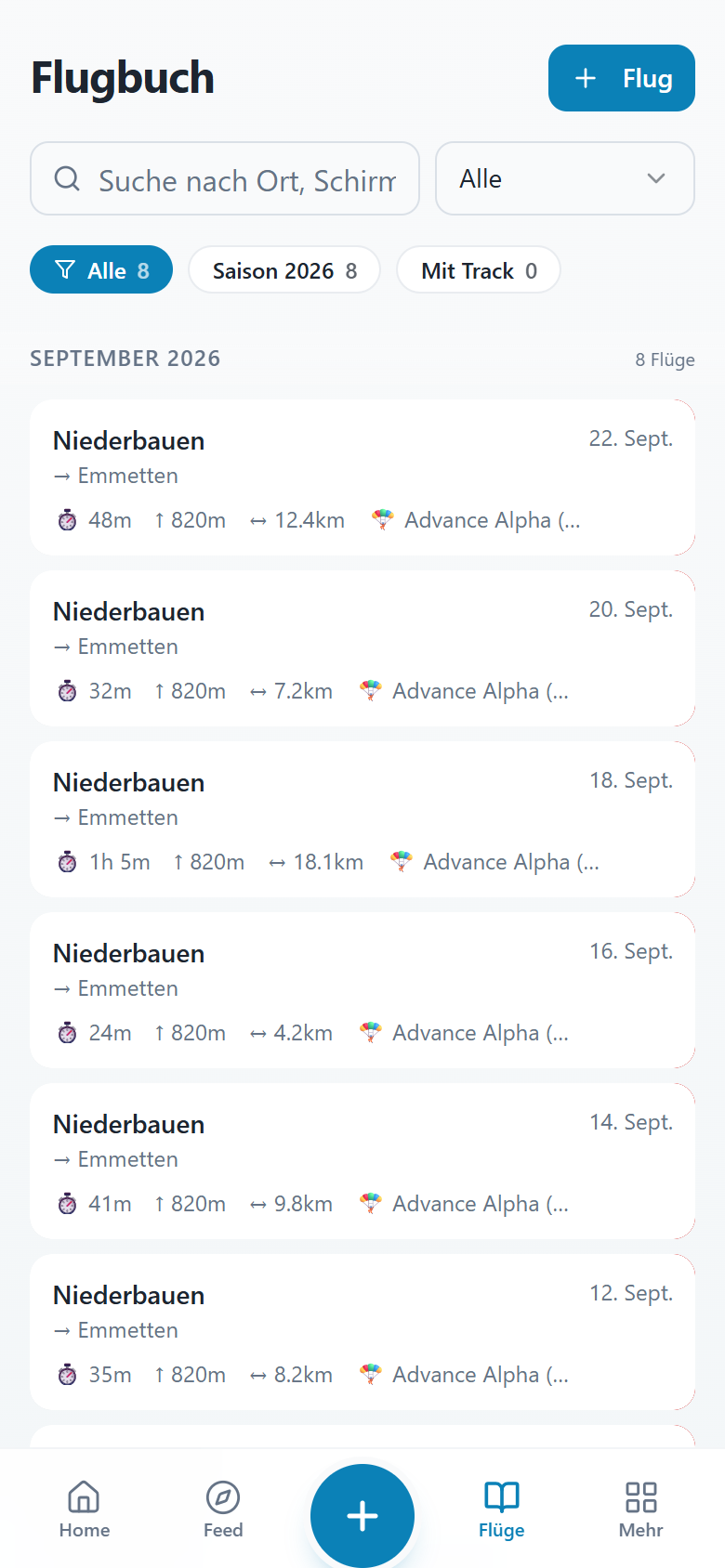
All your flights together and easy to find. Open an entry, add your experiences and keep your flying history close.
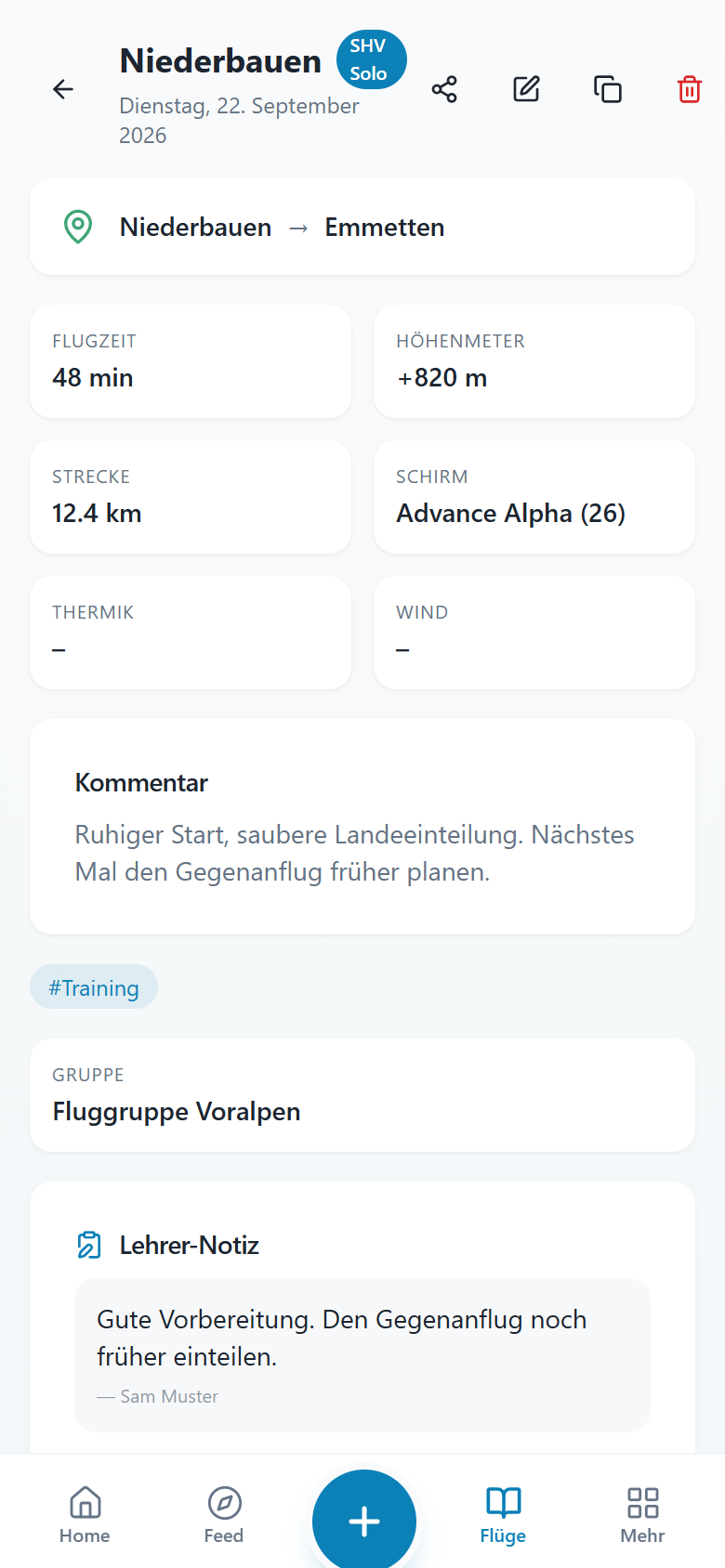
Record your learning and personal notes. Shared instructor assessments complement your own reflections.
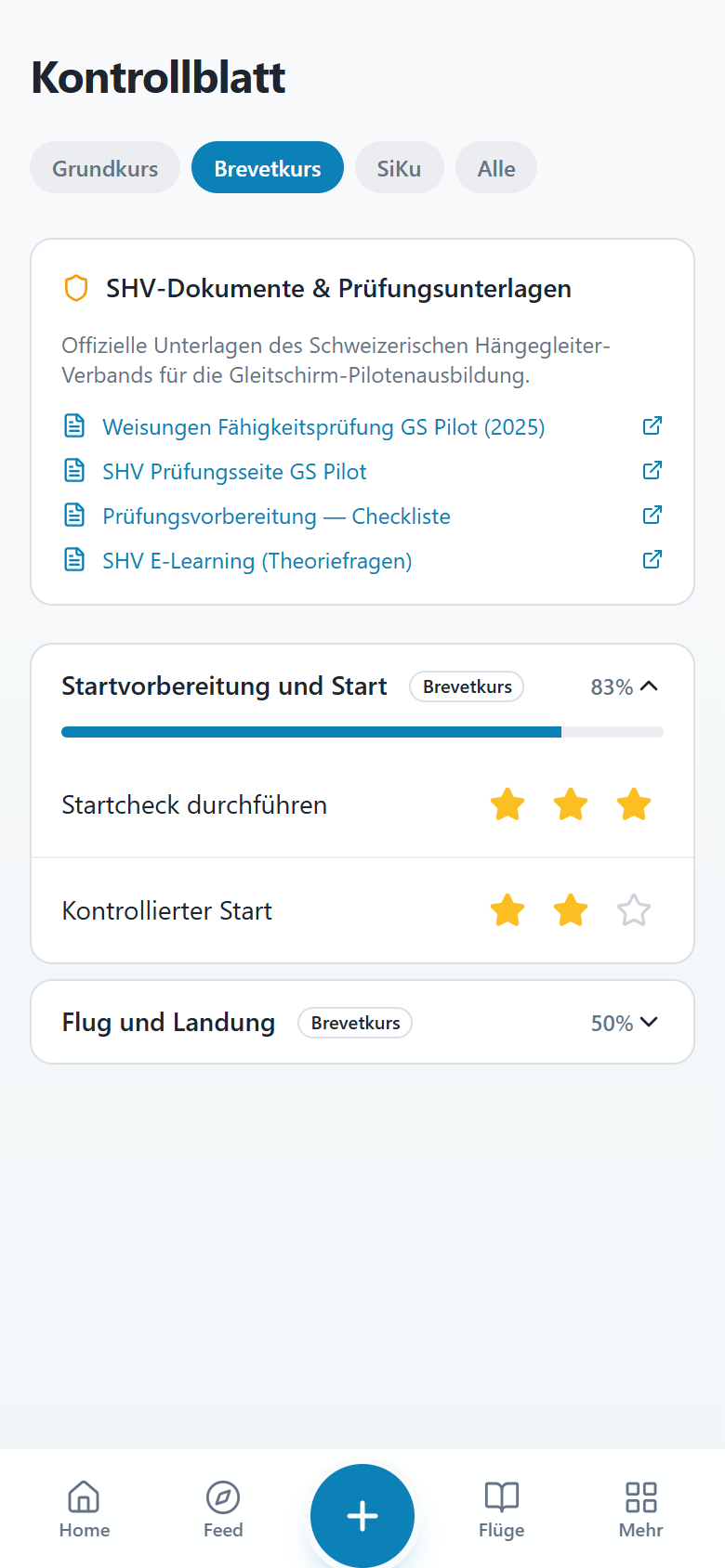
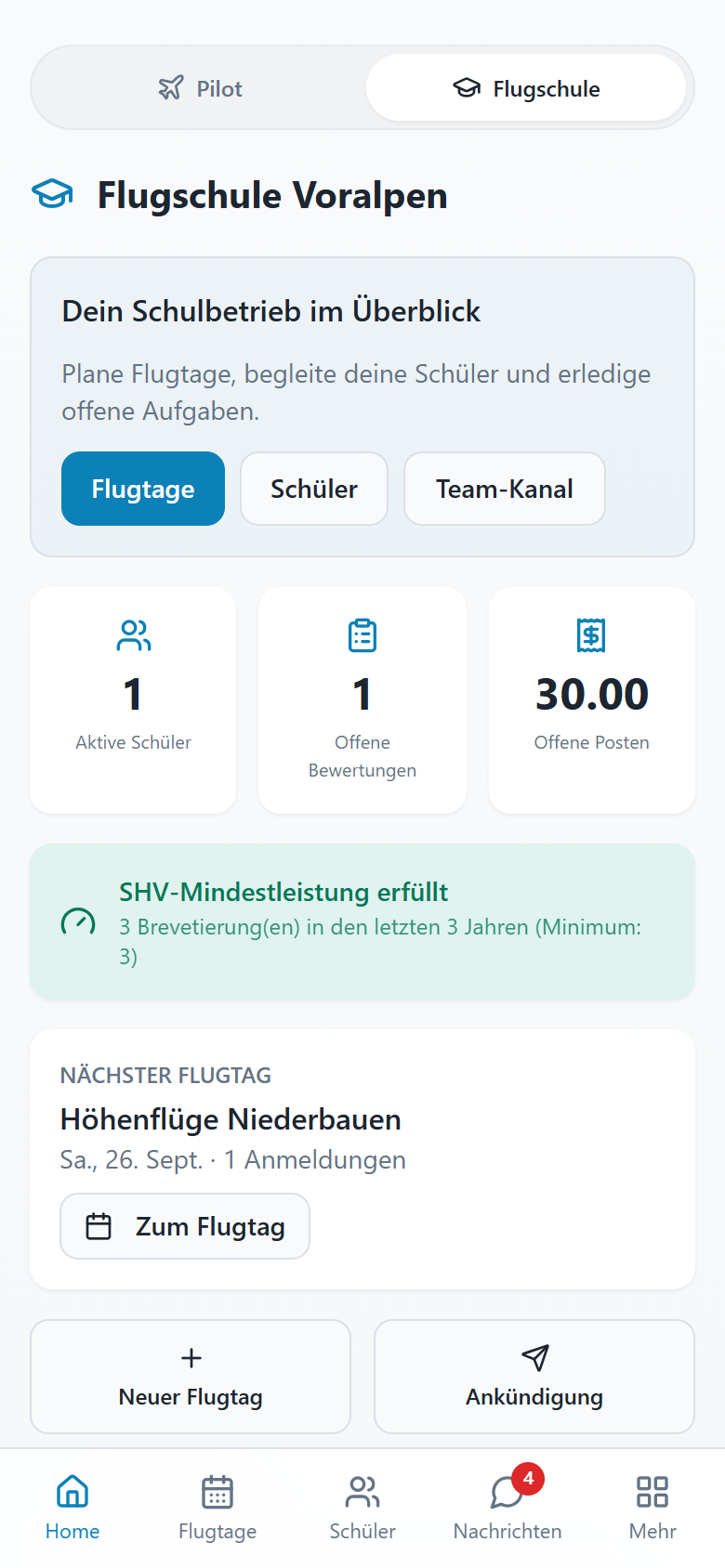
Bring flying days, students and tasks together. So the team knows what’s coming and who needs support.
YOUR PERSONAL LOGBOOK
The track is on your vario. The photo is on your phone. The feedback is somewhere in a chat. In Flyary, it all belongs to your flight.
IGC · SPREADSHEET IMPORT
Read IGC files or import flight data from supported spreadsheet formats. Review the values before saving.
TRACKS · MEDIA · PLACES
Photos, videos and personal notes add to your logbook. Reuse takeoffs and landings from your saved places.
STATISTICS · EXPORT
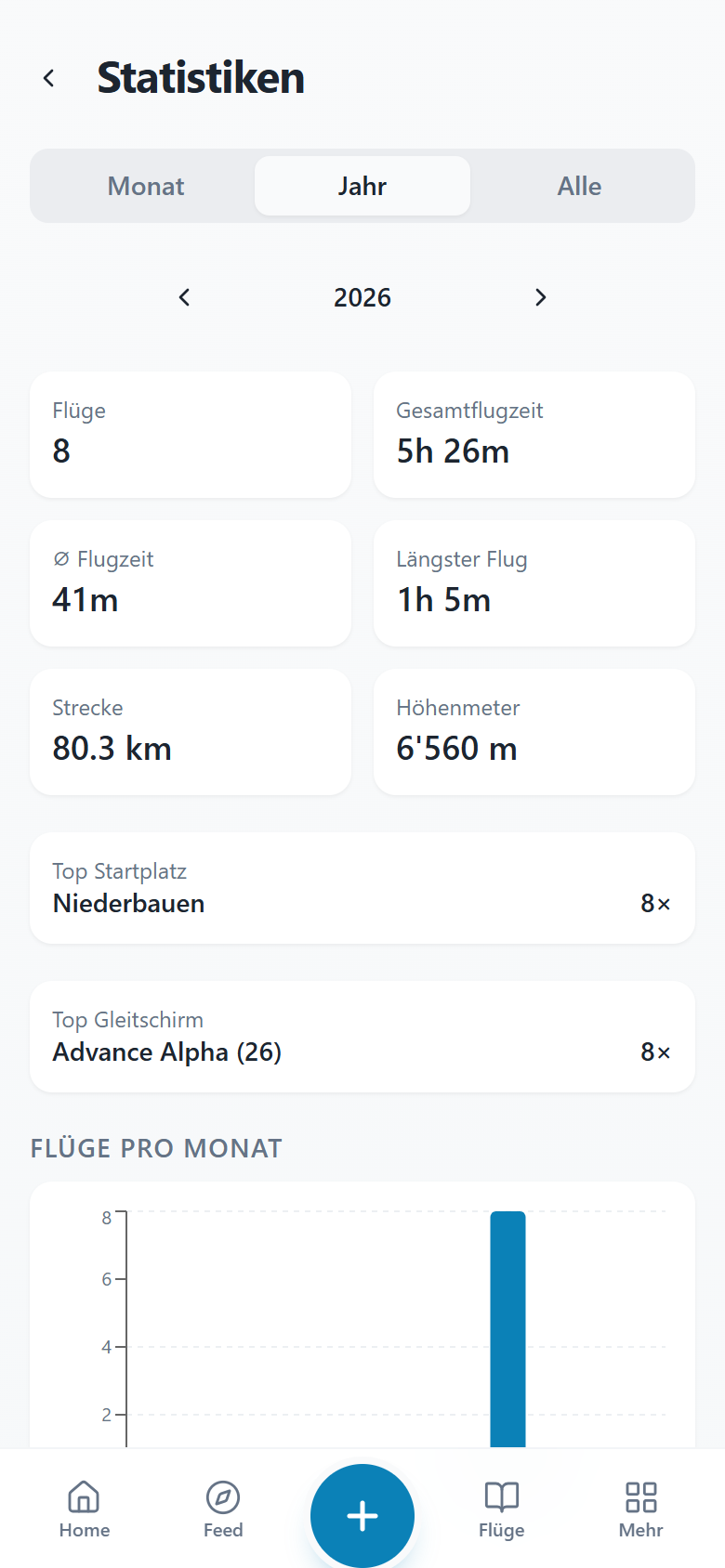
Review flight time, distance and personal seasonal goals. Export your logbook as a PDF or CSV, too.
FLYARY FOR FLIGHT SCHOOLS
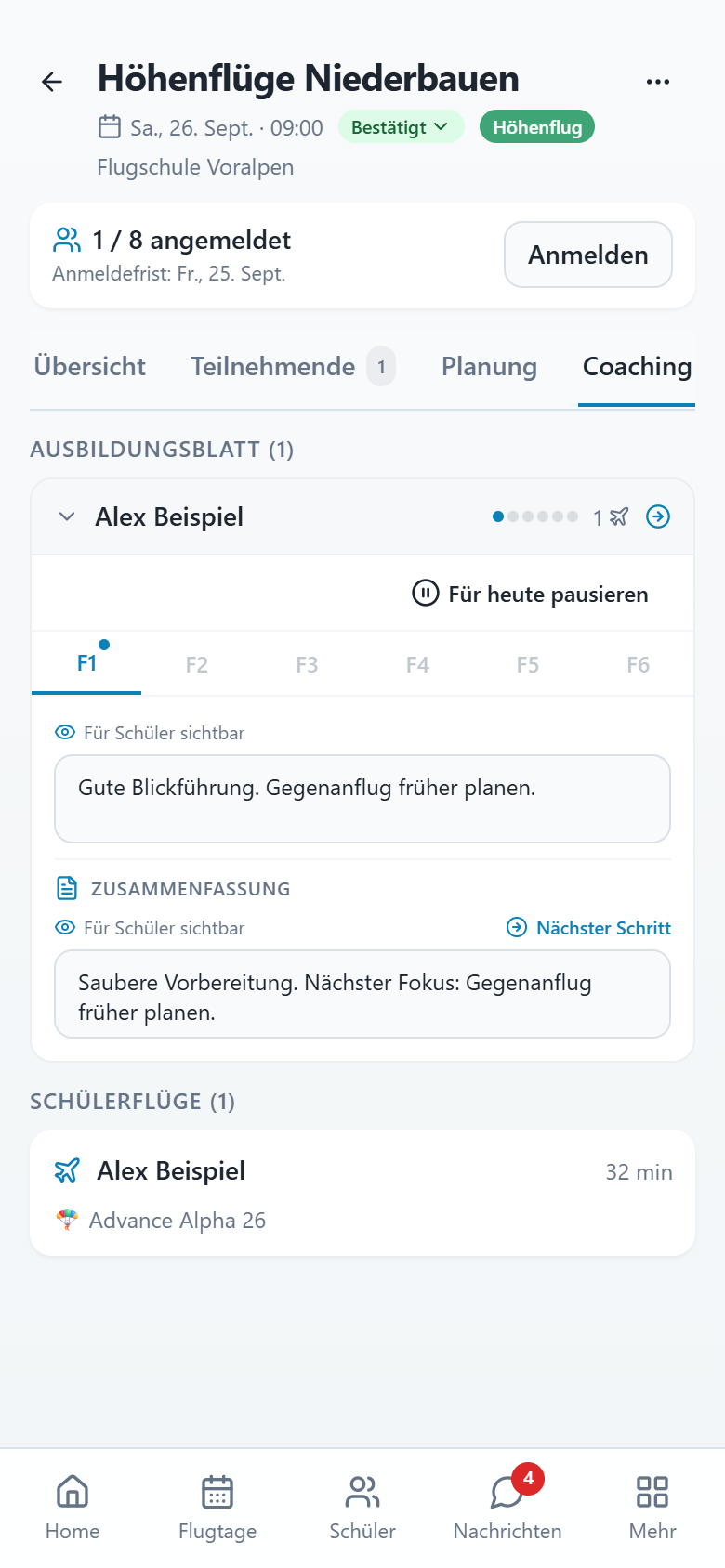
Who’s here? Who’s in the air? What did the student learn? Flyary connects planning, the flying day and training records.
Step 1
Plan events, review sign-ups and assign your team.
Step 2
Record check-ins, school flights and feedback in the flying-day cockpit.
Step 3
Document training, export records and manage equipment and billing.
A direct conversation with Tobias, the person behind Flyary.
Community
Meet for a flying day, keep in touch with your group and share selected flights in the feed. And find the next owner for your equipment on the marketplace.
Open app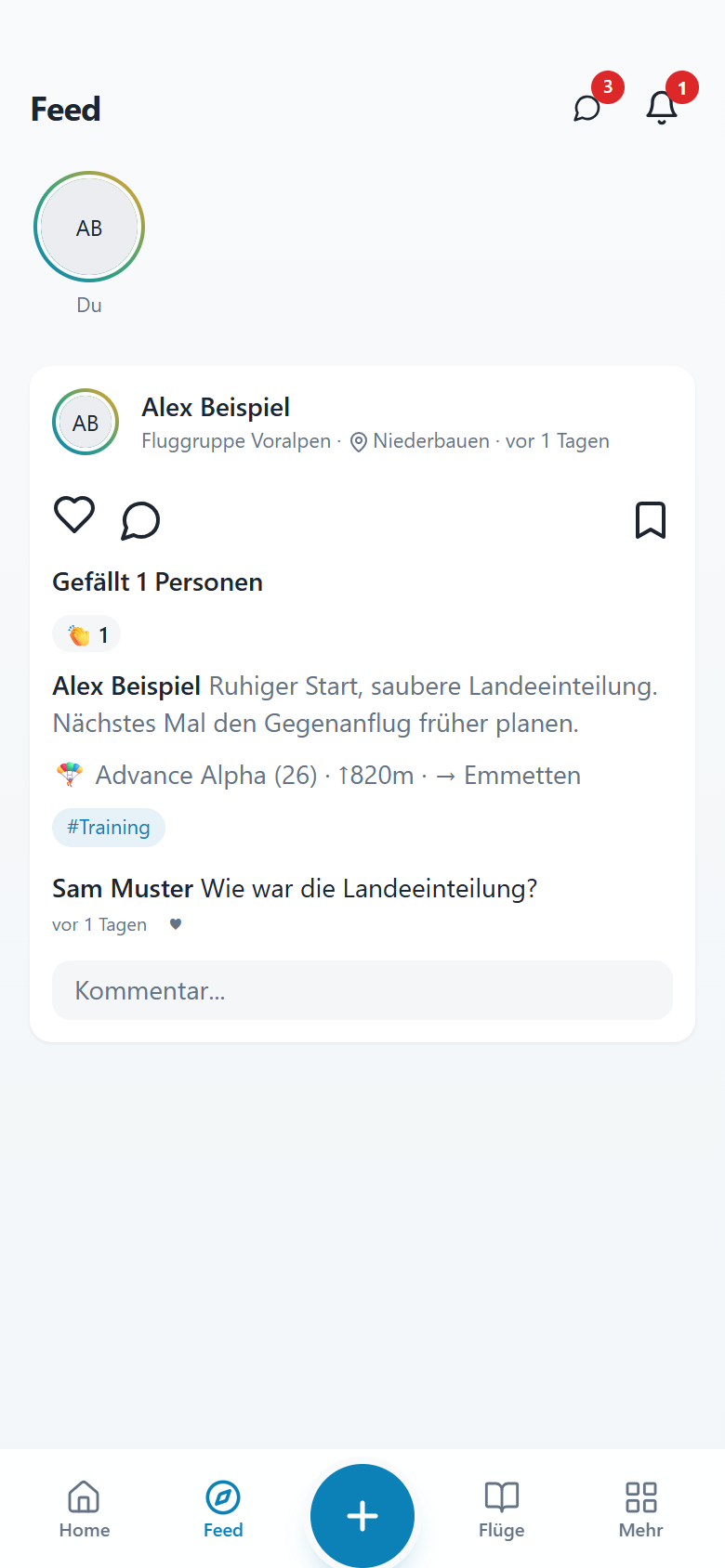
No. Flyary works in your browser on phones, tablets and computers. On supported devices you can also install the web app on your home screen.
Yes. Import flight data from supported spreadsheet formats and read IGC recordings in the flight form. Review the preview and imported values before saving.
Contact us to look at your workflow and first steps together. The school view depends on school membership and team roles; a personal account does not automatically create a school.
This website does not publish binding prices. Contact us with questions about use, terms or introducing Flyary at your school.
No. Saving a flight does not automatically publish it to the feed. Visibility depends on sharing, groups and, where relevant, the school context. Review your choices when sharing.
Sign in with Google and record your first flight.